
23rd Sep 2015
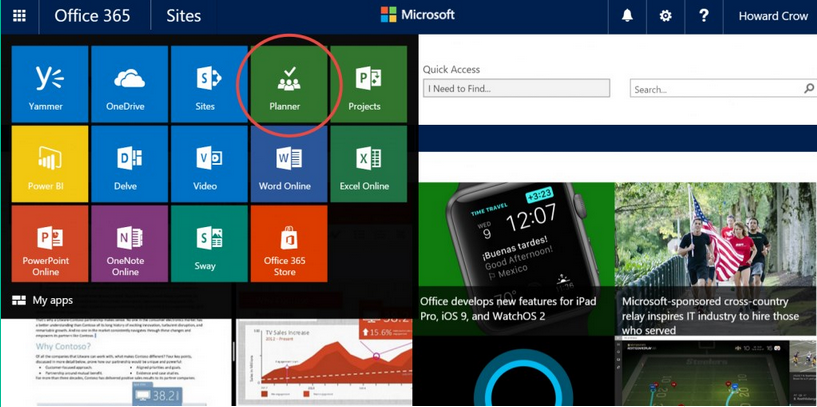
Office 365 are updating their suite of productivity apps with the new ‘Planner’, a collaboration tool for planning single and group projects.
Keep the whole team up to date with every detail
The new Planner shows your tasks and projects laid out as tasks on a board. Add attachments, due dates and even conversations to these boards and share with your team the progress.
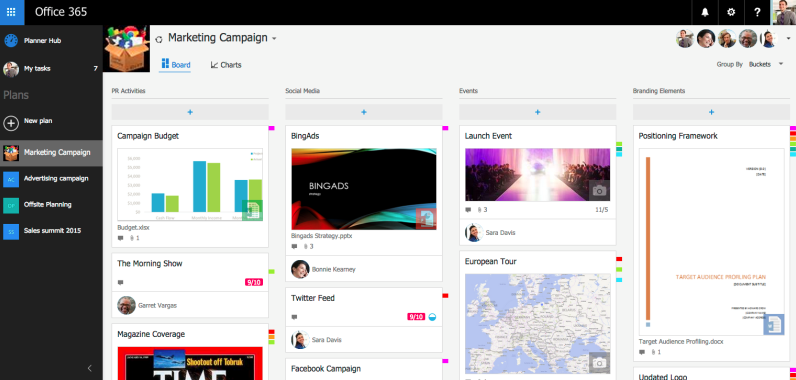
If you have used an app like Trello you may already be familiar with this process but Office 365 takes this a step further by allowing collaboration and conversation with the whole team.
What’s more is you can view these conversations right in Outlook.
Identify a need to rebalance task in your projects
Sometimes when planning a project it can feel like planning for a perfect world, it reality this is never the case. The new Planner tool addresses this problem and included features that allow teams to rebalance tasks and respond to changes as they need to.
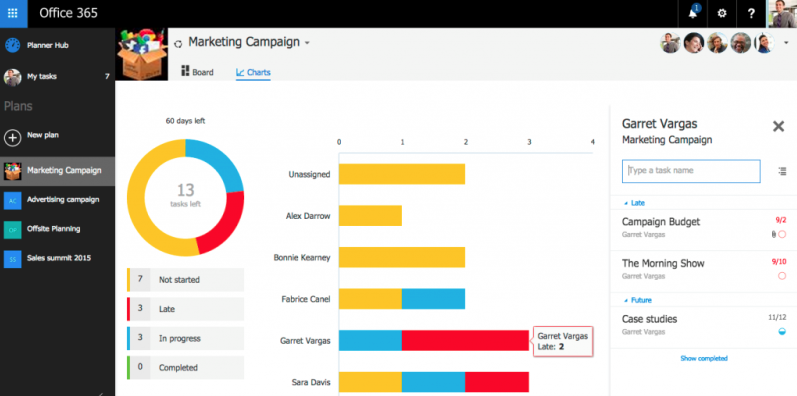
Team managers can see at a glance where things are not quite working out by glancing at chart based progress updates and then feed this information directly to team members.

Want a free audit of your technology needs?
Call us today for a free audit of your IT, telecoms, mobile and digital needs – our team can’t wait to help make life easier for you – call 01482 420150